Introduction to Top AI Grammar Checkers Compared
The written word is powerful. Whether you’re drafting an academic paper, writing an email, or publishing a blog post, your grammar can shape how your message is received. In a world where first impressions often come through text, flawless writing is no longer optional—it’s essential. That’s why this guide on Top AI Grammar Checkers Compared is designed to help you identify the best tools for accuracy, readability, and overall impact.
Unlike traditional proofreading, which demands time and a sharp eye, AI grammar checkers automate the process with precision. They not only catch spelling and punctuation errors but also offer insights into tone, style, and even word choice. Some are tailored for academic writing, others excel in creative storytelling, and a few are business-oriented.
By the end of this comprehensive guide, you’ll know which tool fits your writing style, budget, and professional needs.
What Makes an AI Grammar Checker Reliable?
Not all grammar checkers are created equal. Reliability depends on several factors:
- Accuracy: The best tools recognize complex sentence structures, homophones, and context-driven errors.
- Context-awareness: Some checkers go beyond grammar to suggest better word choices based on tone.
- Ease of use: A smooth interface and real-time checking can make or break the user experience.
- Multilingual support: Global communication often requires more than English; leading tools support multiple languages.
A reliable grammar checker doesn’t just flag mistakes; it helps you grow as a writer. It acts as a mentor rather than just an automated corrector.
Benefits of Using AI Grammar Checkers
AI grammar checkers are more than tools—they’re productivity boosters. Let’s look at their key benefits:
- Time-saving: Instead of hours editing, instant corrections free up time for creativity.
- Improved professionalism: Whether in emails, reports, or blogs, polished writing reflects competence.
- Learning support: Writers improve by reviewing the tool’s explanations of grammar rules.
- Confidence boost: With fewer errors, writers feel more assured about their work.
Think of these tools as digital assistants who don’t just clean up your drafts but also help you avoid embarrassing mistakes.
Limitations of AI Grammar Checkers
While AI grammar checkers are impressive, they’re not perfect. Some limitations include:
- Over-dependence: Writers may stop learning grammar if they rely entirely on AI.
- Tone misinterpretation: AI sometimes suggests changes that alter intended meaning.
- Style inconsistencies: Not all tools adapt well to creative or academic contexts.
In short, these tools are best used as assistants—not replacements—for human judgment.
Grammarly Review
Grammarly has become almost synonymous with grammar checking. Its popularity stems from its accuracy, ease of use, and range of features.
- Strengths: Real-time corrections, plagiarism detection, tone adjustment, and browser integrations.
- Weaknesses: Premium can be pricey, and sometimes suggestions feel too formal.
- Pricing: Free version available; Premium plans start around $12/month.
- Best for: Students, professionals, and businesses seeking a reliable all-in-one solution.
Grammarly stands out for versatility, making it the go-to tool for many writers worldwide.
ProWritingAid Review
ProWritingAid is more than a grammar checker—it’s a complete writing coach.
- Advanced style suggestions: From pacing to sentence variety, it digs deep into writing mechanics.
- Best for authors: Its focus on style makes it popular with fiction and non-fiction writers.
- Pros: Detailed reports, integrations with MS Word, Scrivener, and Google Docs.
- Cons: Interface is less sleek than Grammarly; may overwhelm casual users.
ProWritingAid shines for those who value in-depth feedback, especially authors and bloggers.
Ginger Software Review
Ginger is unique because it combines grammar checking with translation.
- Translation features: Supports 40+ languages.
- Contextual grammar: Improves sentence structure, not just spelling.
- Best for: Non-native speakers and bilingual professionals.
- Weakness: Lacks plagiarism checker, limited advanced style suggestions.
Its biggest strength is helping ESL learners express themselves confidently.
QuillBot Review
QuillBot has gained popularity for its paraphrasing tool, but its grammar checker is equally useful.
- Paraphrasing integration: Perfect for rewording academic or professional texts.
- Best for students: Particularly useful in research and essay writing.
- Free vs. premium: Free plan offers basic checks; premium unlocks advanced rewriting.
- Weakness: Not as detailed in grammar compared to Grammarly or ProWritingAid.
Students love QuillBot for its dual use in grammar correction and paraphrasing.
Hemingway Editor Review
Hemingway takes a different approach: it emphasizes readability over grammar.
- Focus: Highlights long sentences, passive voice, and complex phrases.
- Limitations: Doesn’t correct grammar extensively.
- Why minimalists love it: Keeps writing simple and direct.
It’s the ideal tool for bloggers, copywriters, and those who value crisp, clear communication.
LanguageTool Review
LanguageTool stands out for being open-source and multilingual.
- Open-source advantage: Developers can adapt it for custom use.
- Extensions: Works with browsers, Word, and Google Docs.
- Team collaboration: Great for businesses needing consistency across teams.
- Weakness: Interface is basic compared to Grammarly.
This tool is a favorite for teams and multilingual writers.
Slick Write Review
Slick Write is fast, lightweight, and simple.
- Speed and simplicity: Real-time feedback without clutter.
- Key features: Highlights overused words, sentence flow, and readability.
- Best for: Casual writers and students.
- Weakness: Not as advanced as premium competitors.
It’s ideal for writers who want quick checks without extra features.
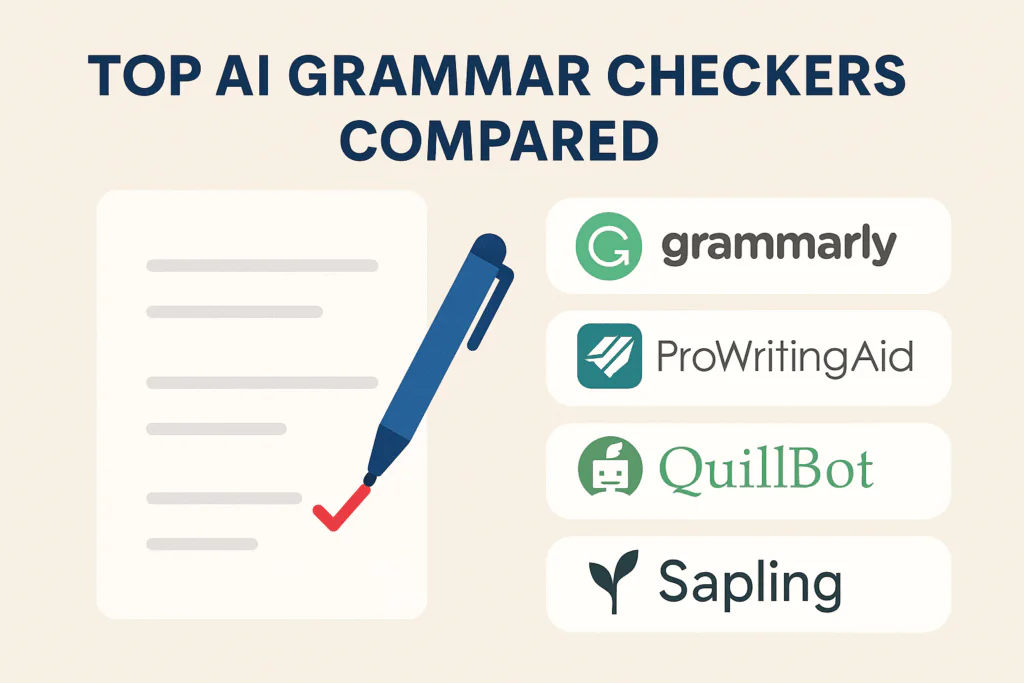
Top AI Grammar Checkers Compared: A Head-to-Head Look
Here’s a comparison snapshot:
| Tool | Best For | Strength | Weakness | Price |
|---|---|---|---|---|
| Grammarly | Professionals & students | Accuracy, tone detection | Pricey | Free + Premium |
| ProWritingAid | Authors & bloggers | Detailed style reports | Complex interface | Free + Premium |
| Ginger | Non-native speakers | Translation & grammar | Limited style suggestions | Free + Premium |
| QuillBot | Students | Paraphrasing & grammar | Lacks depth | Free + Premium |
| Hemingway | Bloggers | Readability | Limited grammar | One-time purchase |
| LanguageTool | Teams & multilinguals | Open-source, team use | Basic design | Free + Premium |
| Slick Write | Casual writers | Speed & simplicity | Fewer features | Free |
Which Grammar Checker is Best for Students?
Students juggle essays, research papers, and assignments. They need affordability, accuracy, and simplicity. Grammarly and QuillBot emerge as top picks due to their academic-friendly features.
Which Grammar Checker is Best for Bloggers?
Bloggers need readability and SEO-friendly text. Hemingway and ProWritingAid stand out, with Grammarly as a versatile backup.
Which Grammar Checker is Best for Businesses?
Businesses prioritize collaboration and security. Grammarly Business and LanguageTool are perfect for professional environments.
Which Grammar Checker is Best for Creative Writers?
Creative writers require flexibility. ProWritingAid’s style analysis and Hemingway’s simplicity make them the best choices.
How AI Grammar Checkers Improve Readability
By cutting long sentences, boosting transitions, and highlighting passive voice, AI grammar checkers make text smoother and more engaging. Readability ensures your writing reaches wider audiences effectively.
Do AI Grammar Checkers Work for Non-Native Speakers?
Absolutely. Tools like Ginger and LanguageTool offer multilingual support, while Grammarly provides tone and vocabulary enhancements. ESL learners benefit greatly from AI-powered feedback.
Pricing Comparison of AI Grammar Checkers
- Free Options: Grammarly (basic), QuillBot, LanguageTool, Slick Write.
- Paid Options: Grammarly Premium, ProWritingAid, Ginger Premium, Hemingway Editor (one-time fee).
- Best Value: ProWritingAid for writers, Grammarly for professionals, Ginger for ESL learners.
Top Free AI Grammar Checkers
LanguageTool and Grammarly Free are excellent for beginners, while QuillBot offers added paraphrasing power.
Top Paid AI Grammar Checkers
For advanced features, Grammarly Premium and ProWritingAid dominate. Businesses may lean toward Grammarly Business, while authors prefer ProWritingAid’s depth.
How to Choose the Right AI Grammar Checker
- Define your purpose (academic, blogging, business).
- Compare pricing and features.
- Try free versions before upgrading.
- Choose a tool that aligns with your writing style.
Future of AI Grammar Checkers
Expect smarter tools that personalize feedback, integrate with voice recognition, and adapt to your unique writing style. The next generation of AI will blur the line between editors and teachers.
Top AI Grammar Checkers Compared: Expert Insights
Having tested these tools personally, I recommend Grammarly for versatility, ProWritingAid for depth, and Ginger for ESL learners. No single tool fits all, but each has its sweet spot.
Frequently Asked Questions about Top AI Grammar Checkers Compared
Are free grammar checkers enough?
Yes, for casual use, but premium tools provide advanced feedback worth the investment.
Which grammar checker works offline?
ProWritingAid and Hemingway Editor offer offline functionality.
Do grammar checkers detect plagiarism?
Only Grammarly and ProWritingAid include plagiarism detection in premium plans.
Are AI grammar checkers safe?
Most use encrypted data, but always review privacy policies.
Which is best for academic writing?
Grammarly and QuillBot, thanks to tone and paraphrasing features.
Can grammar checkers improve vocabulary?
Yes, many suggest synonyms and word enhancements to strengthen writing.
Conclusion on Top AI Grammar Checkers Compared
In this guide to Top AI Grammar Checkers Compared, we explored seven leading tools, each with unique strengths. Grammarly excels in versatility, ProWritingAid is a writer’s dream, Ginger supports multilingual users, and Hemingway simplifies writing. The right choice depends on your needs—whether academic, creative, or professional.
AI grammar checkers are not just about fixing mistakes; they’re about empowering writers to communicate with confidence and clarity. With the right tool, your words can shine brighter than ever.